First things first
Section outline
-
Highlighted
A problem can be caused by several reasons. Do not panic. These are the first things you must keep in mind when experiencing a computer problem.
 Write down your steps:
Once you start troubleshooting, you may want to write down each step you take. This way, you'll be able to remember exactly what you've done and can avoid repeating the same mistakes. If you end up asking other people
for help, it will be much easier if they know exactly what you've tried already.
Write down your steps:
Once you start troubleshooting, you may want to write down each step you take. This way, you'll be able to remember exactly what you've done and can avoid repeating the same mistakes. If you end up asking other people
for help, it will be much easier if they know exactly what you've tried already.
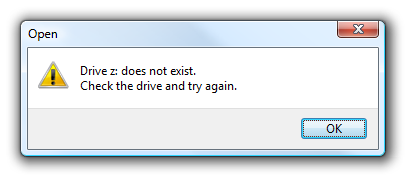 Take notes about error messages: If your computer gives you an error message, be sure to write down as much information as possible. You may be able to use this information later to find out if other people are
having the same error.
Take notes about error messages: If your computer gives you an error message, be sure to write down as much information as possible. You may be able to use this information later to find out if other people are
having the same error.
- Always check the cables: If you're having trouble with a specific piece of computer hardware, such as your monitor or keyboard, an easy first step is to check all related cables to make sure they're properly connected.
- Restart the computer: When all else fails, restarting the computer is a good thing to try. This can solve a lot of basic issues you may experience with your computer